
Search is the oldest format in Google Ads — and still the most reliable. Someone types a query, you show up right when they're looking for exactly that. No guessing intent like Display, no waiting for the algorithm to learn who your audience is like PMax.
Everything I build for a client starts here. Foundation, then measurement, then scaling — Search is that foundation. If Search doesn't work, nothing built on top of it (Shopping, PMax, remarketing) will work better. This guide is my complete approach to Search campaigns in 2026 — including the September move to AI Max that Google announced for campaigns using campaign-level broad match or automatically created assets.
TL;DR
Search campaigns capture existing demand — people already searching for what you sell. It's the foundation of every account, and the place to first verify measurement actually works. Per Google's announcement, campaigns running automatically created assets and campaign-level broad match were being auto-upgraded to AI Max throughout September 2026 (Sep 1–30), with no action on your part. DSA campaigns were not part of that wave: Google moved their automatic upgrade to February 2027. If you haven't opened those campaigns' settings since September, check what is switched on now (as of October 2026).
7%
more conversions with full AI Max suite*
0
minimum spend for AI Max
Sep
2026 — auto-upgrade wave
1–2
weeks to first results
*Per Google's own data: an average 7% increase in conversions or conversion value at a similar CPA/ROAS, with the full AI Max suite vs. search term matching alone. Google internal data, 2026; for non-Retail advertisers.
🔄 Living guide — change history
This guide is updated every month. What changed:
- October 2026: Correction: Dynamic Search Ads were not part of the September wave. Google moved their automatic upgrade to AI Max to February 2027 (announcement updated June 11, 2026). The AI Max feature names now match Google's: search term matching, text customization, and final URL expansion.
- September 2026: The AI Max migration for ACA and campaign-level broad match campaigns (Sep 1–30, per Google's announcement); the automatic upgrade of DSA campaigns was moved to February 2027. Google is removing language targeting from Search campaigns — added an explanation of what replaces it and what it means for a Serbian-plus-English structure. Added a note on the target-based bid strategy change (from Aug 17) that now steers performance toward the goal more consistently.
- August 2026: First version: the AI Max suite, the September migration (ACA, broad match), intent-and-margin structure.
Quick answer
What is a Google Search campaign?
A Search campaign shows text ads to people actively searching specific terms on Google. Unlike Shopping, PMax, or Display, you're targeting explicit intent — someone has already typed what they're looking for. That's why Search is the most predictable and measurable channel in Google Ads, and why I recommend it as the first campaign for any new account.
What is a Search campaign today — and why it's still the foundation
Search has existed since the start of Google Ads and has outlived every platform shift — Quality Score, Smart Bidding, PMax. The reason is simple: as long as people type queries into Google, Search captures the moment closest to a buying decision.
The order I build every account in never changes: foundation, then measurement, then scaling. Search is the foundation. Before you think about Shopping, PMax, or remarketing, Search tells you two things nothing else does as cleanly — whether people are actually searching for what you sell, and whether your measurement even works.
Foundation
A Search campaign with clear intent. This is where you find out whether a market even exists for what you sell.
Measurement
Conversion tracking gets verified on Search first, because volume is predictable and it's easy to check whether the numbers match reality.
Scaling
Only once Search converts reliably do I add Shopping, PMax, or remarketing on top of it. Never the other order.
A mistake I see often: a business jumps straight to PMax because it's "more modern" or "more automated," without a single Search campaign to show whether demand even exists. The result is nobody knows why the account isn't working — algorithm, product, or market. Search gives you that answer first, fast and cheap.
AI Max for Search — the full suite
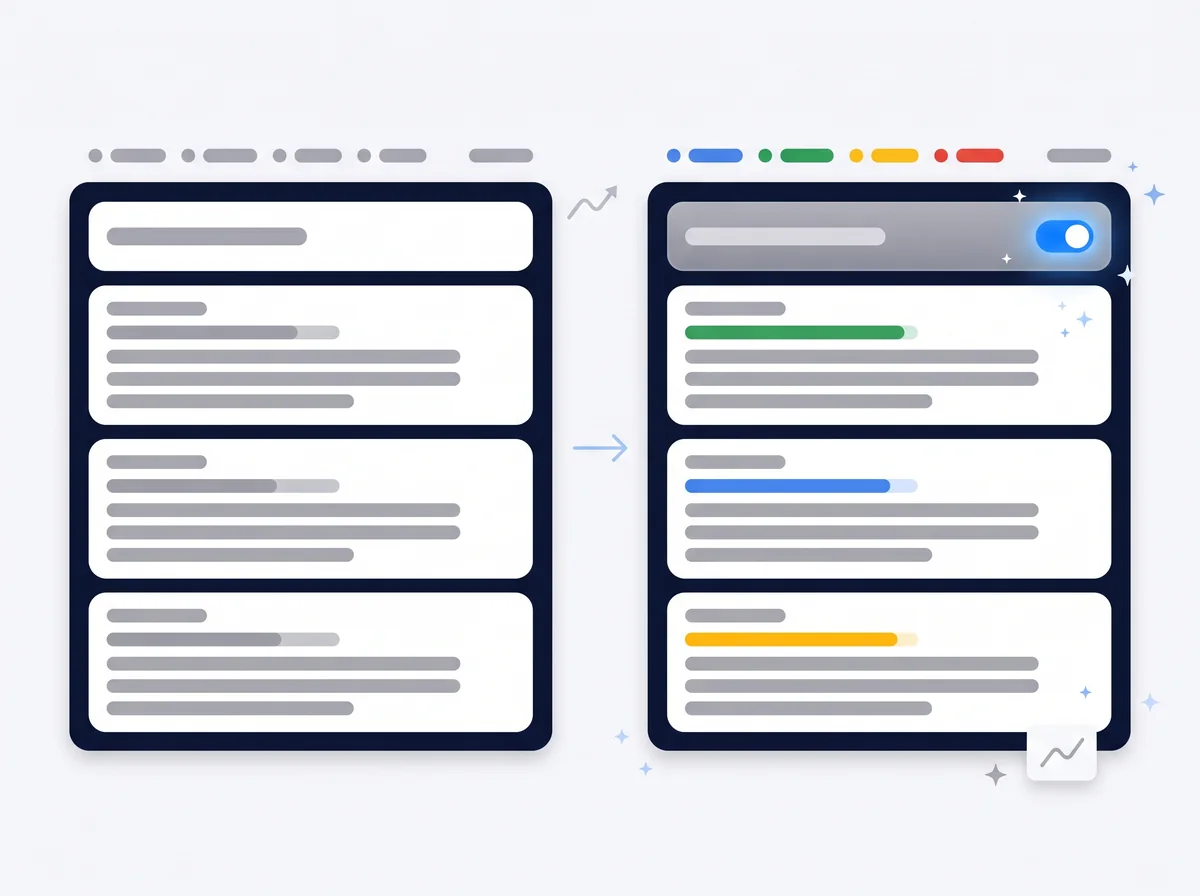
AI Max isn't one feature — it's a bundle of layers that turn on together at the campaign level. Here's what you actually get when you enable it.
Search term matching
Google expands your existing keywords using broad match and keywordless technology, learning from the keywords, ads, and pages you already have. That's how it finds queries you wouldn't have guessed manually. Search term matching works alongside your keywords — it doesn't replace them.
Final URL expansion
Google picks which page on your site a click lands on — not necessarily the final URL you set. The idea is the algorithm finds the most relevant page for a given query. Same logic as final URL expansion in PMax, and the recommendation is the same — check what's actually happening, don't just flip it on.
Text customization
Text customization is the new name for automatically created assets (ACA). AI Max can generate headlines and descriptions in real time, tailored to the specific query someone typed. Text Guidelines give you control over that — which phrases, prices, and claims the AI is allowed to use, and which it isn't. Without guidelines, AI writes copy that's technically accurate but sometimes off-brand.
AI Brief (Gemini)
Instead of the AI guessing who you are, you describe your business, messaging, and audience in your own words — through a Gemini conversation in the interface. The more precise the brief (what you sell, who buys, what sets you apart from competitors), the closer AI Max copy gets to your actual brand, instead of a generic version of it. As of October 2026, AI Brief is in closed beta. On September 23, 2026 Google announced it is bringing the closed beta to Dutch, French, German, Italian, Japanese, Portuguese, and Spanish. Serbian is not on that list.
An official data point, not a promise
Per Google's own data (internal data, 2026, for non-Retail advertisers), advertisers using the full AI Max suite see an average 7% increase in conversions or conversion value at a similar CPA or ROAS, compared to campaigns using search term matching alone. This is available globally to all advertisers, with no spend minimum. I'm underlining average — your result depends on the quality of the keywords, ads, pages, and guidelines you provide, not on simply flipping the switch.
What the data outside Google says
Google's showcase examples are impressive (L'Oréal: double the conversion rate at a 31% lower cost per conversion). But an independent analysis by Mike Ryan of Smarter Ecommerce across 250+ retail campaigns shows a more sober picture: a median +13% revenue lift with a median +16% higher CPA. Translation: switch AI Max on, but watch your own CPA weekly — the showcase is not a guarantee.
The September 2026 migration — what changed
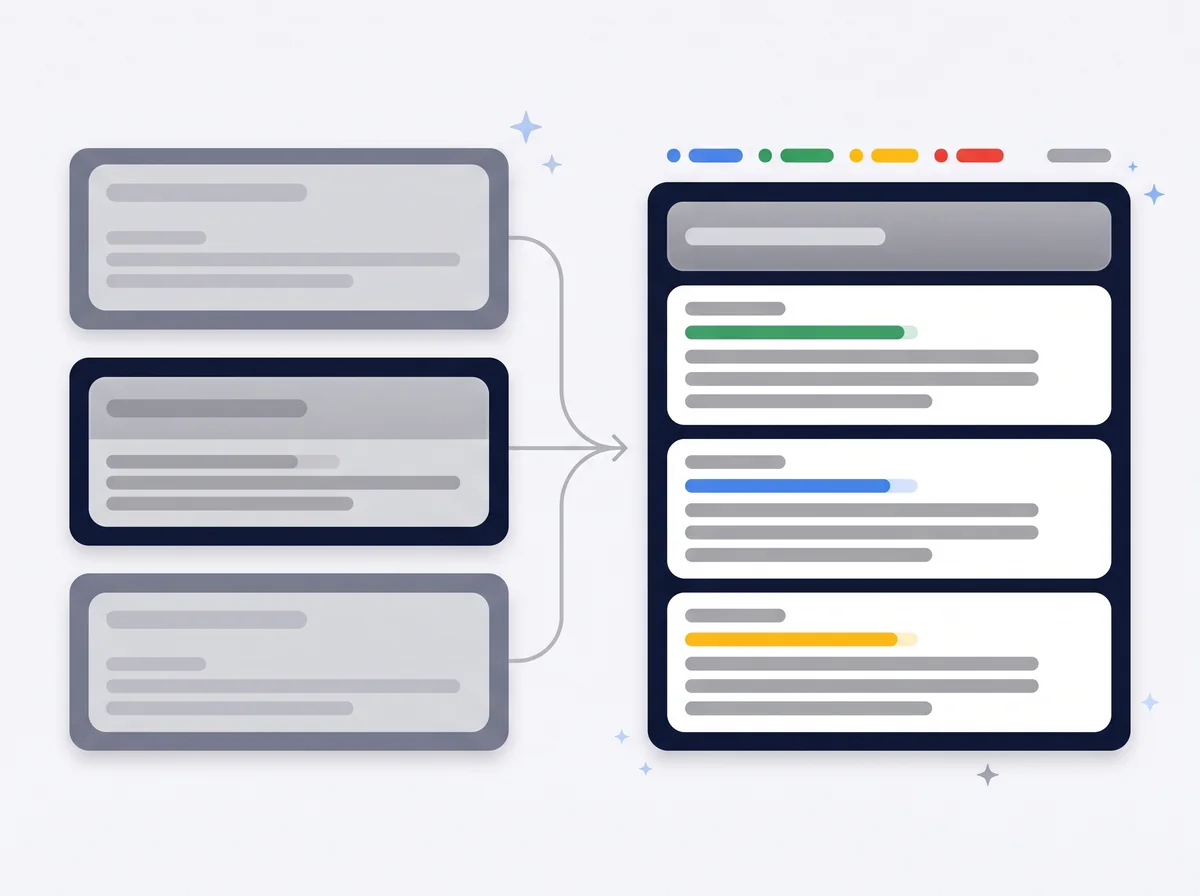
This is the part that is easy to miss. Per Google's announcement, during the September 1–30, 2026 window Google was automatically upgrading certain campaigns to AI Max — without advertisers asking for it — and expected all upgrades for eligible campaigns to wrap up by the end of September. As of October 2026 that window has closed, so now is the time to check your campaigns.
Who was in the September wave (per Google's announcement)
- Campaigns with automatically created assets (ACA) enabled
- Campaigns running campaign-level broad match
- Dynamic Search Ads (DSA) campaigns were not in this wave: their automatic upgrade was moved to February 2027
If you were running either of the first two configurations, the campaign was scheduled to move to AI Max under that announcement, whether you asked for it or not, provided it met Google's eligibility criteria. Practical consequence: a campaign with campaign-level broad match gets search term matching, and a campaign with ACA gets search term matching and text customization. Final URL expansion stays off in auto-upgraded campaigns (per the Google Ads Developer Blog, August 12, 2026).
DSA campaigns: on June 11, 2026 Google announced it was moving their automatic upgrade to February 2027 and restoring the ability to create new DSA campaigns. Until then, existing DSA campaigns keep running as before; when the upgrade arrives, dynamic ad groups become standard ad groups with AI Max enabled (per the Google Ads Developer Blog, June 11 and August 12, 2026). ACA and campaign-level broad match are different: since August 3, 2026 those settings can no longer be created, and for campaign-level broad match, any brand inclusions/exclusions you'd already set carry over into the new setup (per the Google Ads Developer Blog, August 12, 2026).
Checklist: before the upgrade (DSA) and after it (ACA, broad match)
What to do now (as of October 2026)
The September window has closed. If you were running ACA or campaign-level broad match, open the campaign settings and check whether AI Max is on and which of its features are active. AI Max can be turned off in the campaign settings. If you're running DSA, per Google's announcement the choice is yours until February 2027: you can move to a standard Search campaign with AI Max yourself and work through the checklist above before the automatic upgrade reaches your account.
Also this September: language targeting is leaving Search
Google is removing the language setting at the Search campaign level. Instead, it matches ads to users based on the language of the ad and landing page, plus the languages the user is set up to understand in their own Google settings. For PMax, language targeting still applies to YouTube, Display, Discover, and Gmail — just no longer to the Search portion of the campaign. This matters for markets like ours where Serbian and English are often targeted side by side: a one-language-per-campaign structure (Serbian ads in one campaign, English in another) keeps working fine, because the ad and landing page language now does that job instead of the campaign-level setting. If you had one campaign running ads in both languages and relied on the language setting to split who saw what, that control disappears — split it into two campaigns by ad/page language to keep the precision.
Match types in 2026
Match types still exist, but the lines between them are thinner than a few years ago — especially now that AI Max is part of the picture.
If you are still deciding which terms belong in the campaign at all, research comes before match types — the method and selection criteria are in the keyword research guide.
| Match type | What it does today | When to use it |
|---|---|---|
| Exact match | Tightest control, but still covers close variants and same intent, not just the literal phrase. | High-value keywords where you want maximum precision. |
| Phrase match | Middle ground — matches queries that carry the phrase's meaning, word order is more flexible. | Most campaigns — a solid balance of reach and relevance. |
| Broad match | Widest reach, leans most heavily on signals and Smart Bidding. Campaign-level broad match was, per Google's announcement, being auto-upgraded to AI Max during September 2026. | With strong Smart Bidding, enough conversion data, and regular search term review. |
Where AI Max actually changes the game: with broad match, the line between "match type" and "search term matching" blurs. Both lean on signals, not literal text. Practical consequence — if you're already running wide-open broad match without close monitoring, adding AI Max on top increases reach, but also increases the need for disciplined review of what's actually showing.
My rule
I don't pick a match type because it's trendy — I pick it based on how much data I have and how closely I can monitor the account. Fewer conversions, less time to monitor — lean toward exact/phrase. Steady volume and a real weekly search term review — wider broad match makes sense.
Campaign structure — intent and margin
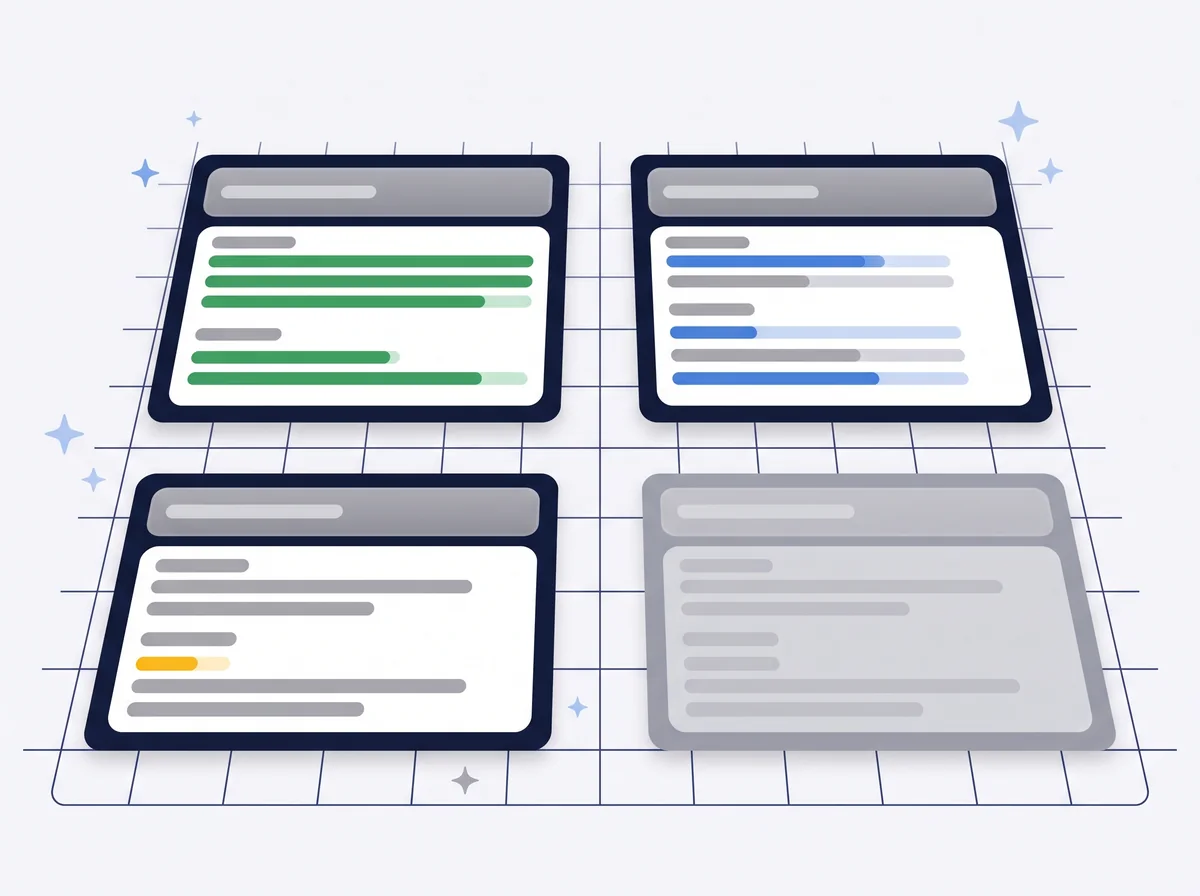
The most common mistake I see on new accounts: every keyword in one campaign, one budget, one goal. That works while the account is small. The moment you try to scale, you lose control over where the money actually goes.
Weak approach
Everything in one campaign
Brand terms, generic terms, and high-margin terms all mixed together. You can't push more budget to a higher-margin product because it's all in the same campaign with the same bidding goal.
My approach
Segment by intent and margin
Separate campaigns based on how close a query is to a purchase, and how much margin the product or service behind it carries. Budget and target CPA/ROAS are set per segment, not globally.
| Segment | Example | Why separate |
|---|---|---|
| Brand | "[company name]", "[company name] reviews" | Lowest CPA, highest conversion rate. Shouldn't be judged by the same yardstick as non-brand. |
| Non-brand, high intent | "buy [product]", "[product] price" | Close to purchase, deserves a more aggressive bid. |
| Non-brand, high margin | Products or services with the biggest profit margin | Deserve a higher target CPA because you carry more profit per conversion. |
| Non-brand, researching | "how to choose [category]", informational queries | Longer path to conversion — a different goal and budget than "buy now" intent. |
This isn't a recommendation to run 20 campaigns for a small account. For a smaller budget, 3–4 segments are enough: brand, non-brand high intent, non-brand high margin, and maybe a research layer. As the account grows, segments split further.
Negative keywords — a system, not a list
Negative keywords often get treated as a one-time task — build a list at launch, forget it. That's a mistake, especially with broad match and AI Max search term matching widening reach further than you'd manually catch.
Treat it as a system: regular search term review, not a one-time list at launch.
For a detailed breakdown of negative list categories and account-level vs. campaign-level structure, see the negative keywords guide.
Writing ads (RSA)
Ads in Search campaigns are Responsive Search Ads — you provide multiple headlines and descriptions, Google tests the combinations. AI Max can generate additional variants based on the query, but you still write the backbone.
This is its own discipline with its own rules — how many headlines is optimal, how to avoid every headline saying the same thing in different words, how to use pinning without choking off testing. I haven't repeated it here because a full guide already exists: RSA guide — how to write ads that convert.
Better headlines are also the main lever for CTR in a Search campaign. I break down what moves it in a separate guide.
Bidding strategy
Search campaigns today almost always run some form of Smart Bidding — Maximize Conversions, Target CPA, or Target ROAS, depending on how much data you have and what you're optimizing for. Manual CPC is rarely the right call today, outside of specific low-conversion-volume situations.
Which bidding strategy to pick and how to set it up depends on the account's stage — how many conversions you're getting monthly, whether you're tracking order value or just conversion count, and how fast you're changing targets. Full breakdown: Smart Bidding guide.
Change from Aug 17, 2026: target-based strategies now steer toward the goal more consistently
If a campaign is budget-constrained and has spent a long stretch outperforming its tCPA/tROAS target, Google now consistently drifts performance TOWARD that target — CPA rises (or ROAS drops) toward the goal, spend doesn't increase, and Google touches neither the budget nor the target itself. This applies to Search, Shopping, PMax, Demand Gen, Display, Hotel, and Travel campaigns. If you notice CPA "getting worse" on a campaign that had long been beating its target, this is the likely reason, not a mistake in the account. If you want to keep that better efficiency, you now have to manually lower the target or raise the budget — Google no longer does that for you in this direction.
Measure before you scale
I repeat this in every guide I write because it's the most common cause of accounts that fail: scaling before measurement is verified. A Search campaign that "looks good" in the Google Ads interface, with broken measurement underneath, pushes you toward the wrong decisions — you raise budget on a campaign that in reality isn't converting anywhere near what the report claims.
Before raising budget or switching to Target ROAS, check whether the conversions Google Ads reports actually match real sales or leads. The conversion tracking guide covers exactly that process — data-driven attribution, GA4/GTM setup, and how to verify the numbers match reality before you raise the stakes.
Frequently asked questions
How much does managing Google Search campaigns cost?▼
Do I need an agency for Search campaigns?▼
What is AI Max, and do I have to use it?▼
How long until a Search campaign starts working?▼
Broad match or phrase match in 2026?▼
Setting up a Search campaign, or tidying up your account after the September migration?
I help businesses launch Search campaigns with clean structure, real measurement, and an account checked before and after the automatic AI Max upgrade. Book a free consultation and we'll go through your account.
Book a free consultationGoogle Ads Management
Professional Google Ads campaign management, from $2,500/mo
RSA guide
How to write Responsive Search Ads that convert.
Smart Bidding guide
Target CPA, Target ROAS, and Maximize Conversions — when to use what.
Conversion tracking guide
How to set up and verify measurement before scaling budget.
Negative keywords guide
A system for cutting wasted spend, not a one-time list.
Performance Max guide
The next step once Search is stable — scaling across all Google networks.
Search is still the foundation. AI Max changes how much work the algorithm does for you — it doesn't change the fact that the foundation has to be clean before you scale. Structure, negative keywords, and measurement — those are still your calls to make, not the algorithm's.
Free tools
Check your own account, no email required
Four tools that run in the browser: a 38-point Performance Max review, a budget calculator, a GA4 audience framework and an account audit checklist.
Free tools, no form
The tools I built for my own accounts
I built these because I needed them while working on accounts. They run in the browser, they don't ask for an email, and they show the whole result on the spot.
PMax Check
38 checkpoints, weighted score per group
Budget calculator
what the account needs per phase
GA4 audience framework
25 lists, 6 pillars
Audit checklist
50 items to run on any account