

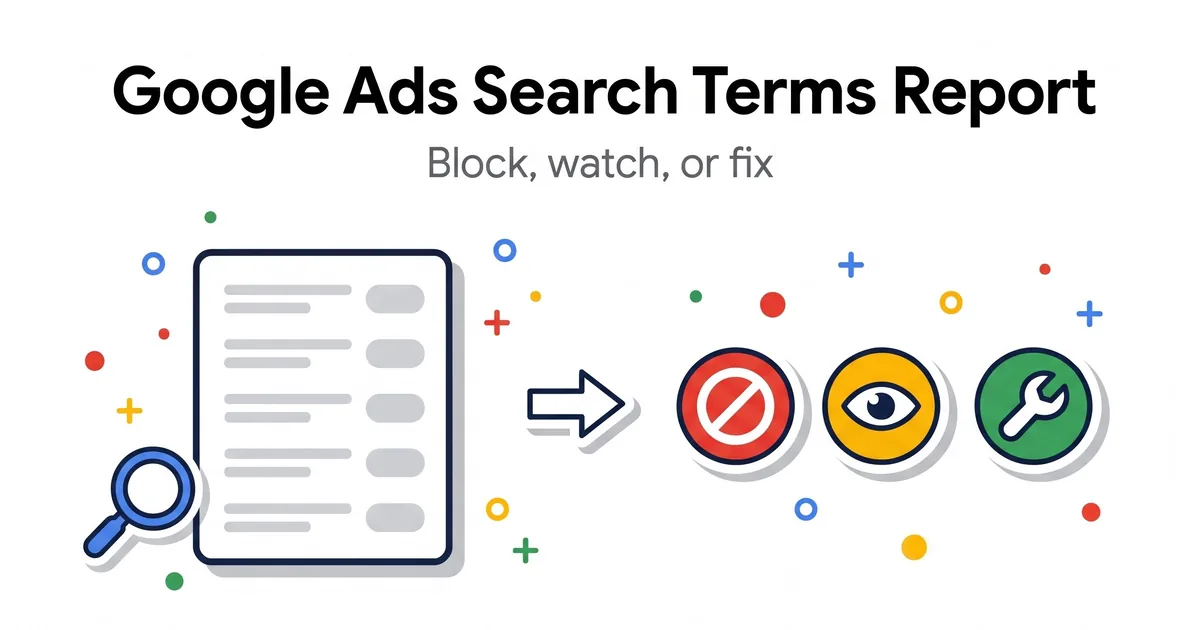
The search terms report shows what people typed before your ad appeared. Google defines a search term as the words a person enters on Google; your keyword is what you added to the ad group. I make one decision per term: Block, Watch, or Fix. A term that already works stays as it is.
Below are the three piles, how I read one row, and where a good search should go. Then comes when I review: a short weekly pass for new campaigns and a monthly review for every campaign.
Block, Watch, or Fix: one decision per search term
Intent decides the pile, not spend. For every term I ask one question first: would this person buy from me?
A need I do not sell
A job search, a DIY fix, a different product. It goes to negatives even with no clicks yet. I do not wait for it to spend.
Unclear intent or too little data
I leave it alone and look again at the next monthly review. When in doubt, I do not block.
A good search in the wrong place
It needs its own keyword, ad or page, not a negative. The Fix section below shows where it goes.
A converting term never goes to Block
Before each round of negatives, I also check that no existing negative blocks a term that brought a sale or a lead.
Google says to add a search term as a negative when it is not relevant enough to what you offer. For AI Max for Search, Google adds that a term should get a negative only when it consistently underperforms across all campaigns.
An Optmyzr guide by Lakshmi Padmanaban (Sep 2026) says to look for queries that spent money but generated no conversions. I run that filter after the intent question. A costly term with buyer intent goes to Fix, not Block.
Ready-to-paste terms for the Block pile are in my negative keywords list.
Get a 15-minute video review of your search terms
For accounts spending $10,000+ a month. I record it and show the three things I would fix first.
Apply for the video reviewHow to read one row of the search terms report
Open Insights and reports, then Search terms, set the date range, and read each row from the search to the keyword that matched it.
The Keyword column shows which of your keywords matched the search and triggered your ad. The Match type column shows how close that match was. A buyer search on a keyword from another theme goes to Fix.
For eCommerce, I look at about 40 days of search terms; for a large B2B account, up to 120 days. I never pick the last 30 days just out of habit.
Sales arrive after the click. Google lets you set a conversion window of 1 to 90 days, with a 30-day default. A short range judges the newest clicks before their sales come in.
Google also leaves out some search terms with too little activity, so a rare term can skip a month. That is one more reason for the Watch pile.
Fix: one good search, one right place
A good search in the wrong place does not get a negative. It gets its own exact keyword in the ad group whose ad and page match it, or a new ad group.
In the other ad groups it gets an exact negative, so it lands in one place. When similar keywords sit in several ad groups, an exact match keyword identical to the search term gets priority.
If the keyword is already right, the fix is the ad or the page. Google says to choose a landing page that closely matches your ad and keywords, and to build each ad group around a narrow theme.
In Google Ads Editor, the search terms window has Add as keyword and Add as negative keyword buttons. How I pick keywords is in my keyword guide.
When to review: a short pass and a monthly review
I review the search terms report for every campaign once a month. A new or rebuilt campaign gets a short pass every week in its first month instead, because that is when most of the junk shows up.
Short pass, every week
Only exact negatives for obvious waste. It takes me 30 to 45 minutes.
Monthly review
About 40 days for eCommerce, up to 120 days for large B2B. Phrase decisions happen here. About 1 to 2 hours on a mid-size account.
Phrase for a word, exact for one bad search. Between reviews I add only exact negatives. A word becomes a phrase negative at the monthly review, once I know it never leads to a sale. So after a review, most new negatives are phrase negatives.
In a Search campaign, negatives added from the report are exact match by default, and an exact negative blocks only that search, without extra words. One click blocks one search, not the word.
Adalysis (Brad, Apr 2025) says the biggest use of n-grams is finding wasted spend and potential negative keywords. A word that keeps coming back in my exact negatives is a phrase candidate, if it blocks no term that brought a sale or a lead.
I put Block negatives at account level first. Account-level negatives take up to 1,000 terms; past that, I apply one shared list to every campaign. Fix negatives stay at ad group level. Match types and levels are in my negative keywords guide, and this review is one line in my Google Ads management checklist.
Five search term mistakes I check first
I look for these five first when I review the search terms in an account.
Blocking by spend alone
A costly term with buyer intent and no sales needs a better keyword, ad or page. A negative only hides the problem.
A negative on a term that converts
Old negatives can block searches that bring sales or leads. Check them before you add a new round.
Only the last 30 days
The newest clicks have not had time to convert. Use about 40 days for eCommerce and up to 120 for large B2B.
Trusting the default exact negative
It blocks one search. The same search with extra words can still trigger your ad. Decide on phrase at the monthly review.
One good search in two ad groups
Give it one exact keyword where the ad and page match, and exact negatives in the other ad groups.
Source: Google Ads Help
Store waste is covered in my eCommerce negative keywords guide, and lead gen waste in my B2B negative keyword list. If you would rather hand this routine to me, see how I handle Google Ads management.
Search terms report FAQ
What is the search terms report in Google Ads?
It shows the searches that triggered your ads and how they performed. A search term is what a person typed. A keyword is what you added to the ad group. Open it under Insights and reports, then Search terms.
Source: Google Ads Help
How often should I review the search terms report?
In the accounts I manage, once a month for every campaign, with about 40 days of data for eCommerce and up to 120 days for large B2B. A new or rebuilt campaign gets a short pass every week in its first month, then joins the monthly review.
Why are some searches missing from the report?
Google leaves out search terms that do not have enough query activity, in line with its data privacy standards. A rare search can be missing from one review and show up in the next. That is why I put unclear terms in Watch, not Block.
Source: Google Ads Help
Can I see search terms for Performance Max?
Yes. In Insights and reports, open Search terms and choose Search terms and landing pages for Performance Max. To stop ads for a search on Search and Shopping inventory, Google says to add negatives at the account or campaign level.
Performance Max for eCommerce: should you run it?
Source: Google Ads Help
Should negatives from the report be exact or phrase?
Google adds them as exact by default in Search campaigns, and exact blocks only that search. My rule: phrase for a word, exact for one bad search. Between monthly reviews I add only exact. Phrase decisions wait for the monthly review.
What changed in this guide
I update this guide when Google changes the search terms report or when I change my review routine.
- 12 Nov 2026: First version: the Block, Watch, and Fix piles, the date range, and the two review rhythms.
Get a 15-minute video review of your search terms
For accounts spending $10,000+ a month. I record it and show the three things I would fix first.
Apply for the video reviewBelow $10,000 a month? Get the free negative keyword lists.