
Automation
AI Agents & Advertising
Here I write about how I use APIs and AI agents in my day-to-day work on ads. This page is for business owners and marketing managers who pay for ads and want to know what can be automated, and for agencies and in-house teams who build it themselves.
For now the posts cover the Google Ads API: access for the whole Google stack, Basic Access, authentication with OAuth, service accounts and the developer token, GAQL reports, and importing offline conversions from a CRM. All of it runs from code instead of clicking through the account, so reports and checks can be repeated without manual work.
Posts about Claude Code in advertising are coming here soon. If the topic is new to you, start with the post on access, then work through to reporting.
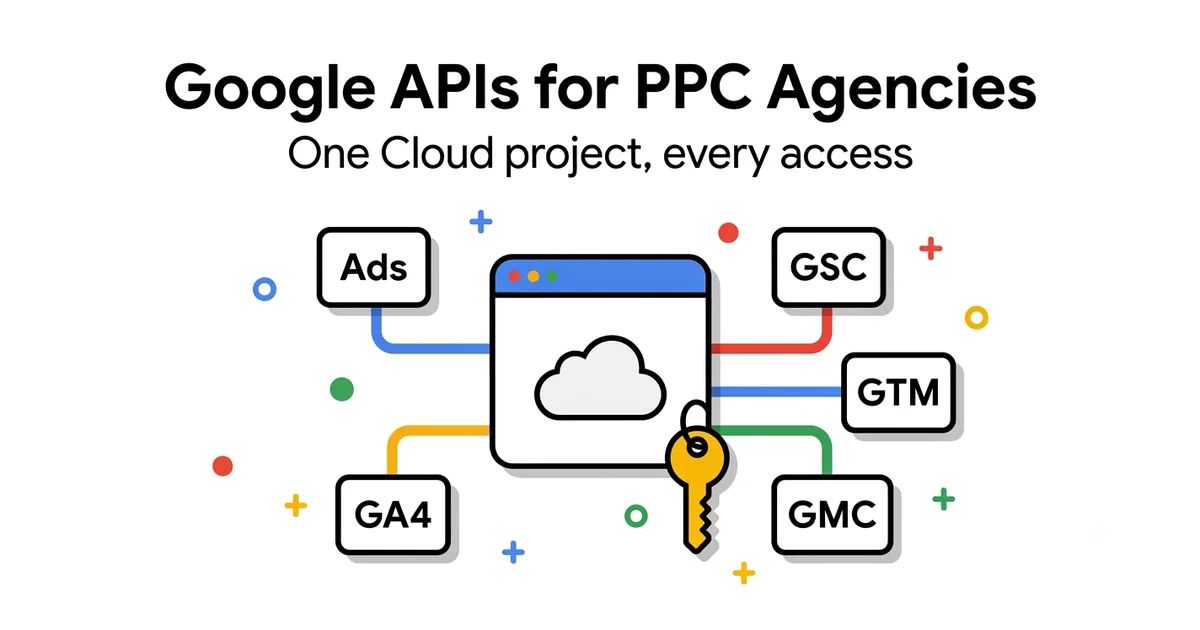
Google API Access for PPC Agencies — Complete Setup Guide [2026]
One Cloud project for Ads, GA4, Search Console, Tag Manager and Merchant Center — with OAuth lessons learned in practice.
Read guide →
Google Ads API Basic Access: Step-by-Step Guide [2026]
Google retired developer tokens on Sep 9, 2026 and tied access levels to the Cloud project. What changed, what Basic unlocks, and when Standard is worth asking for.
Read guide →
Google Ads API Authentication: OAuth, Service Accounts & Developer Token (2026)
OAuth2 desktop vs. web flow, the 7-day refresh token trap, service account rules and a table of common errors with fixes.
Read guide →
Google Ads API Reporting with GAQL: Anatomy + Copy-Paste Queries [2026]
Query anatomy, search() vs searchStream(), 12 copy-paste reports and the traps that break queries.
Read guide →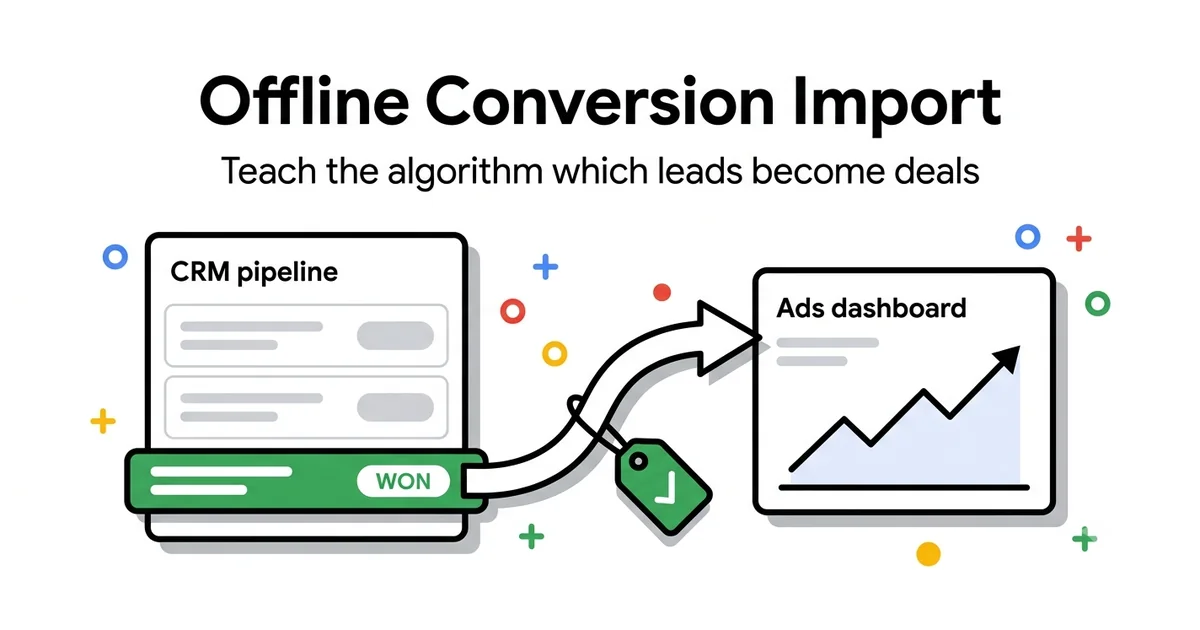
Offline Conversion Import for B2B: Connect Google Ads to Your CRM
Make the algorithm learn from closed deals instead of form fills — GCLID, Enhanced Conversions for Leads and CRM setup.
Read guide →Want a professional to manage your campaigns?
Over a decade of experience in Google Ads optimization for eCommerce and B2B clients in Serbia, UK and EU.
Free 20-minute intro call